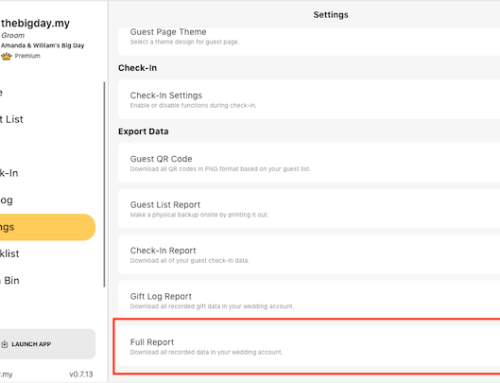
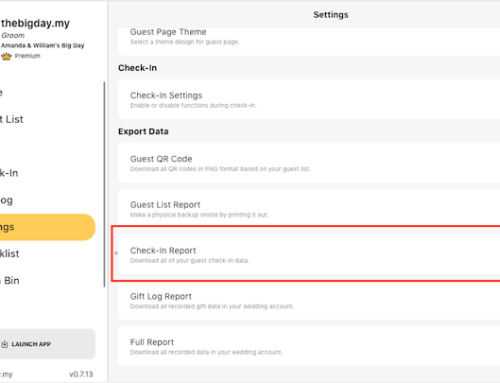
- Go to Setting from side menu and click on Check-In Setting.
- Enable the Gift Receive Button toggle button.
- Click on the Save button.
- Go to scan or search check-In a guest.
- Click on the Receive Gift button on the guest profile to mark as gift received.
- You can record received gift details at the same time.
- Click on the Save button to finish.
- You can view all record gifts details in Gift Log.